Every session, on your home screen.
A widget for Android that shows practice, qualifying and race start times for the next Formula 1 weekend. Times are already in your time zone, and it moves on to the next race by itself.
Standard
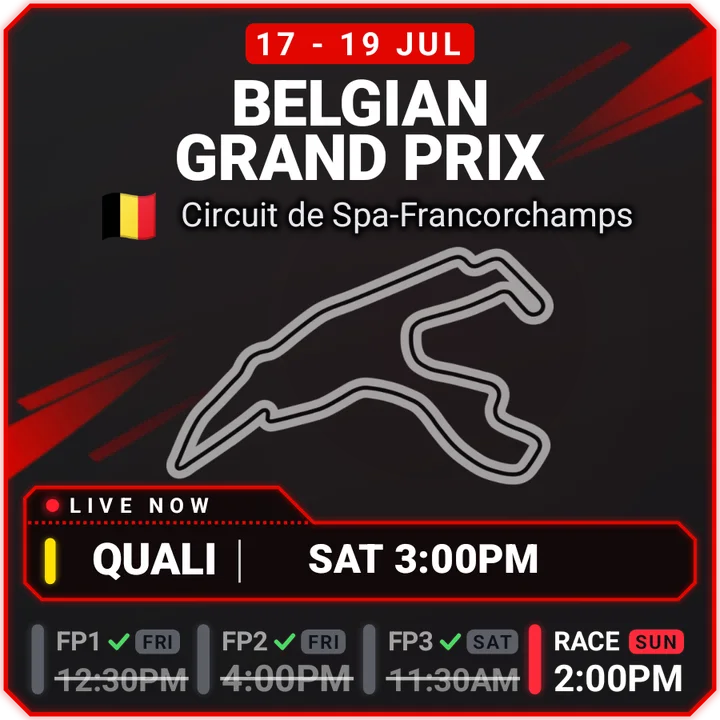
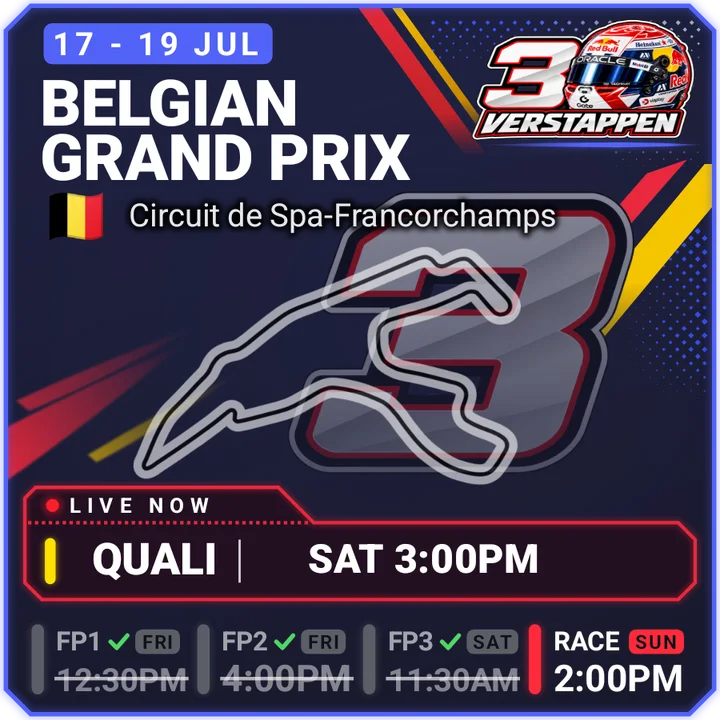
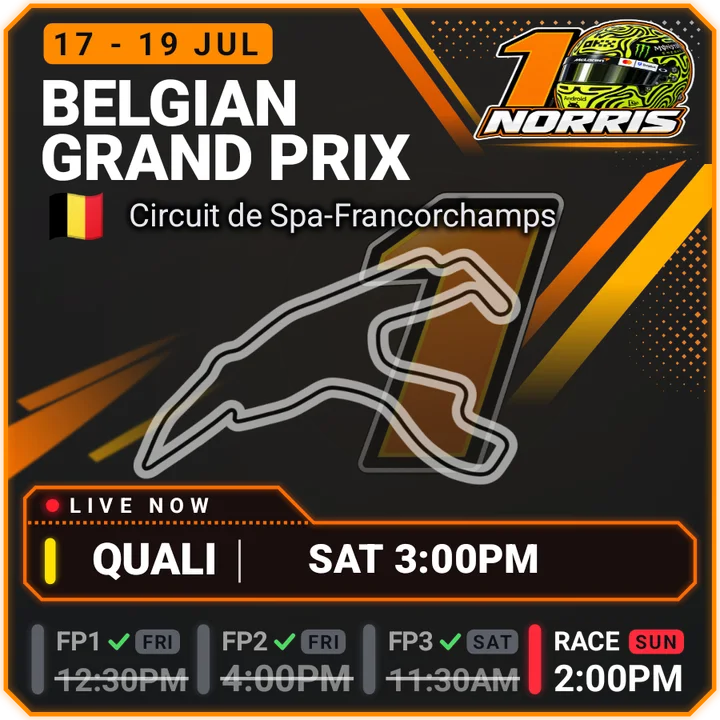
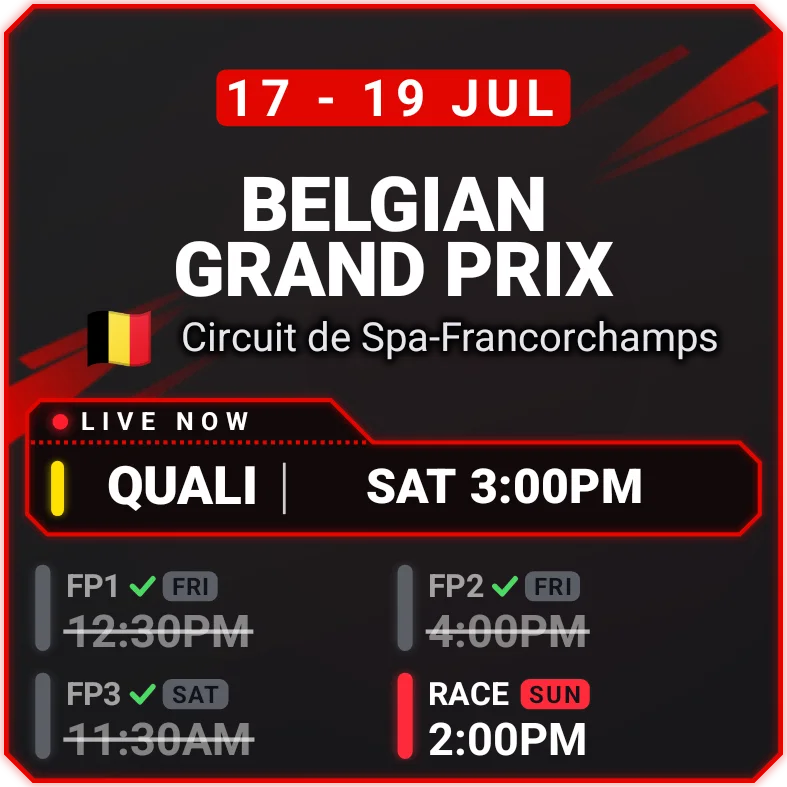
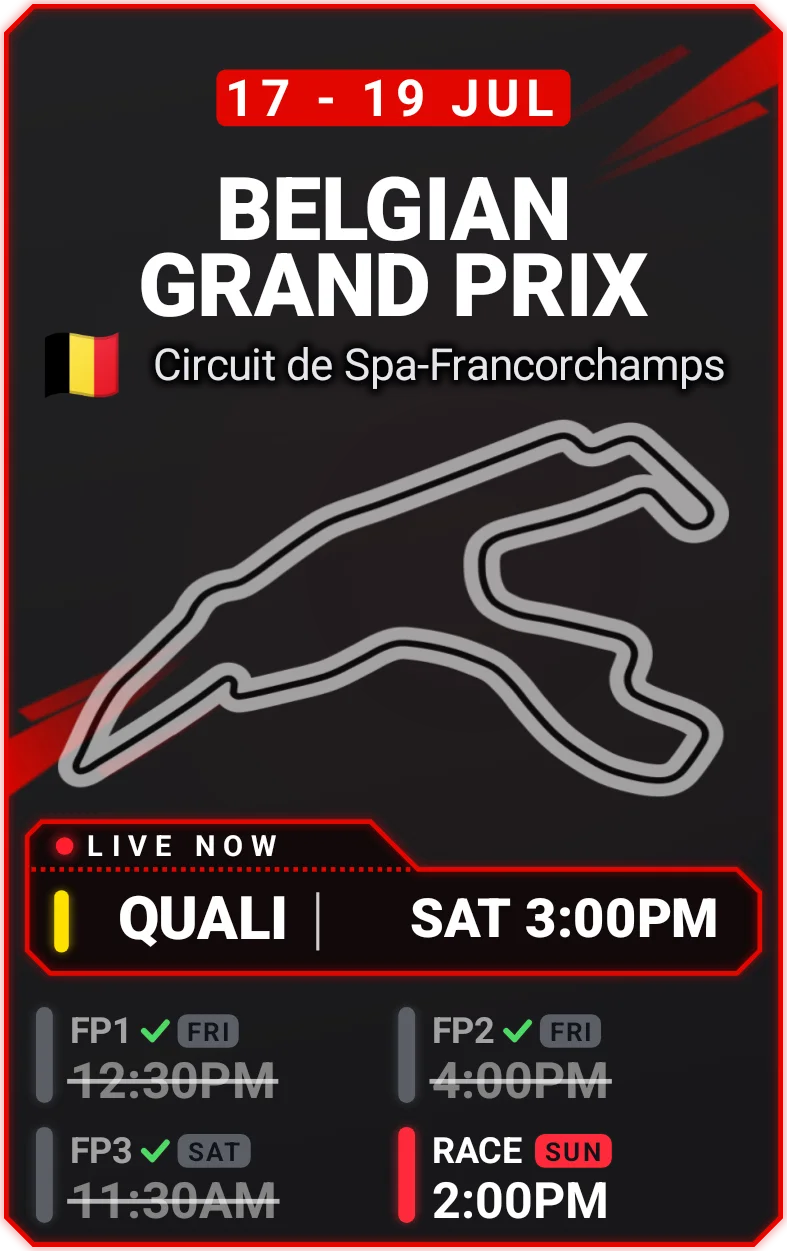
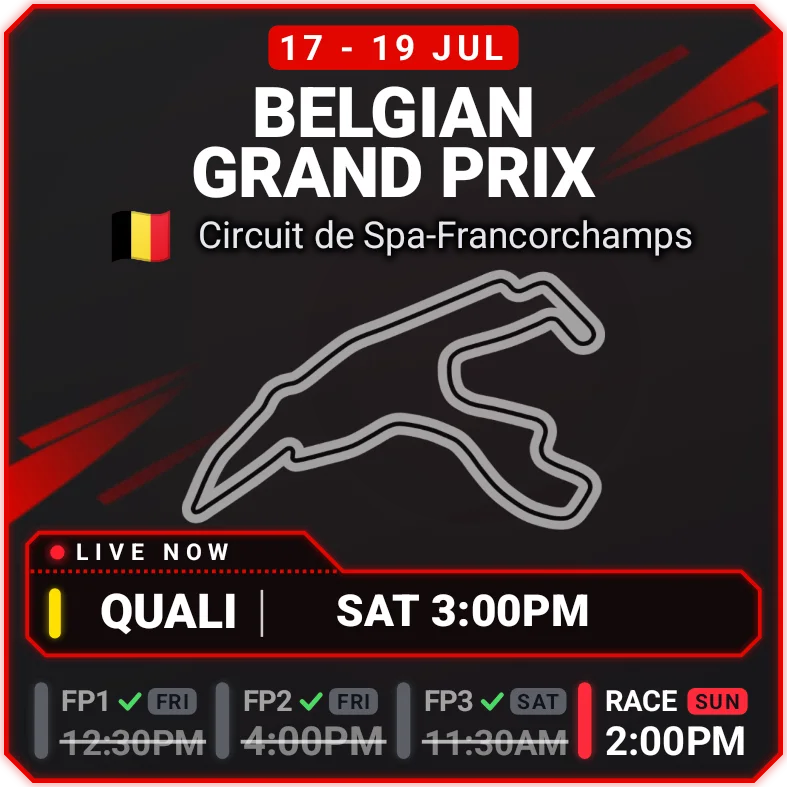
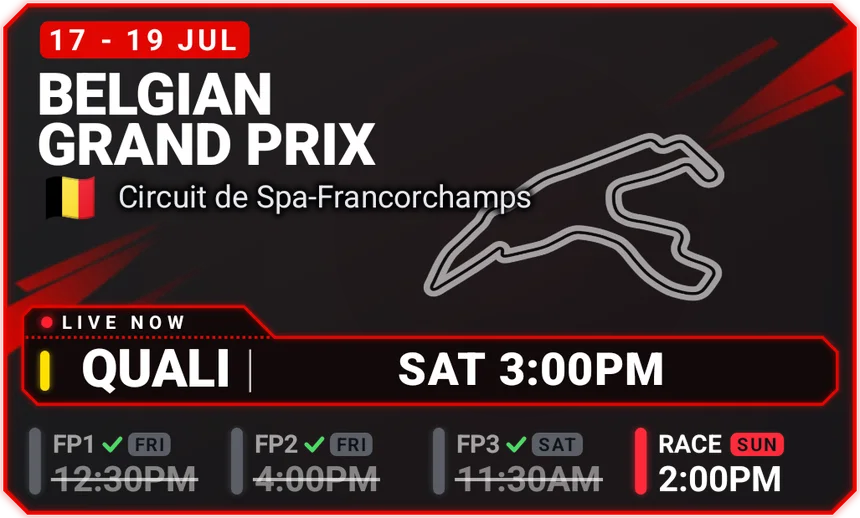
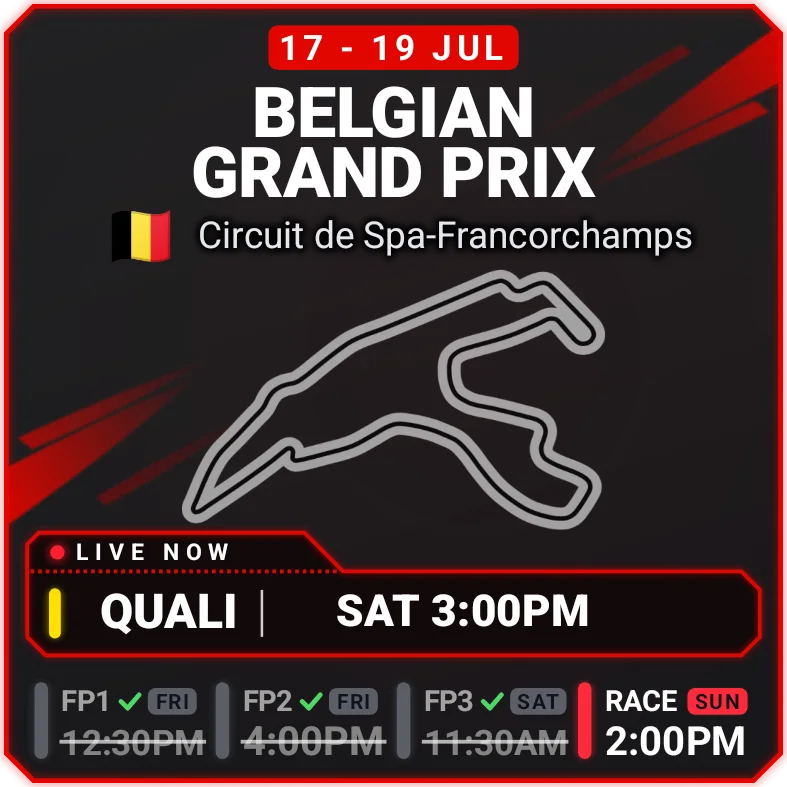
The 3x2 widget during qualifying at Spa. Your widget shows the next race, in your time zone.
The weekend at a glance
Five sizes, no setup
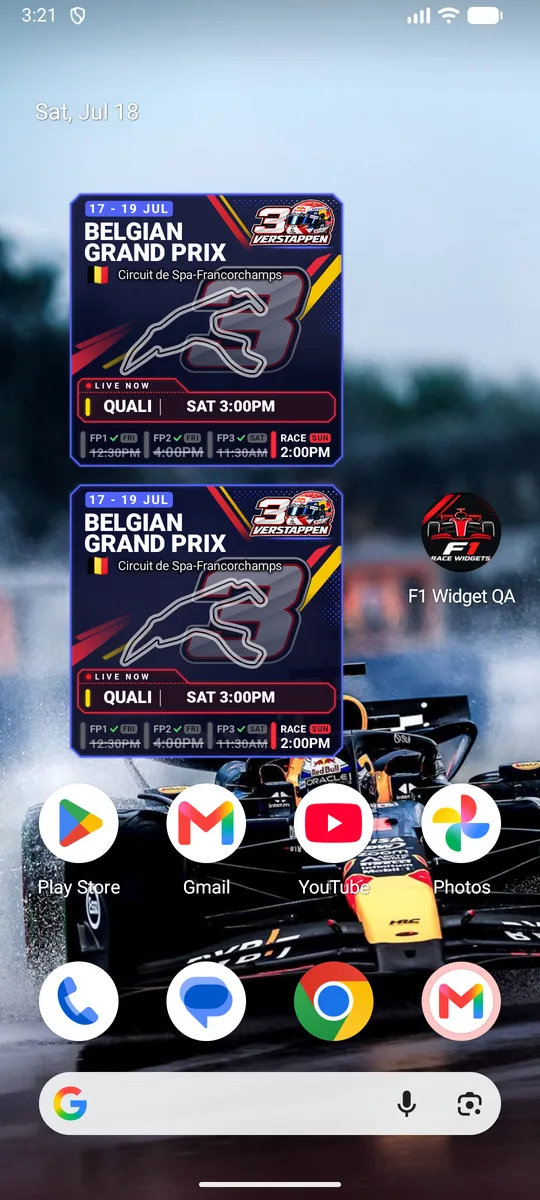
Pick the shape that fits your home screen. Every size shows the next session, and each one keeps the same shape on every phone.
On your home screen, all weekend
- LIVE NOW. A red dot marks the session that is running right now.
- Finished sessions. They grey out and get a tick, so you see what is left.
- Your time zone. Times change by themselves when you travel or the clocks change.
- Sprint weekends. Sprint Qualifying and the Sprint replace practice when they run.
- Always the next race. The widget moves on two hours after the race starts.
- Works offline. The full 2026 calendar is built into the app.
Reminders before the lights go out
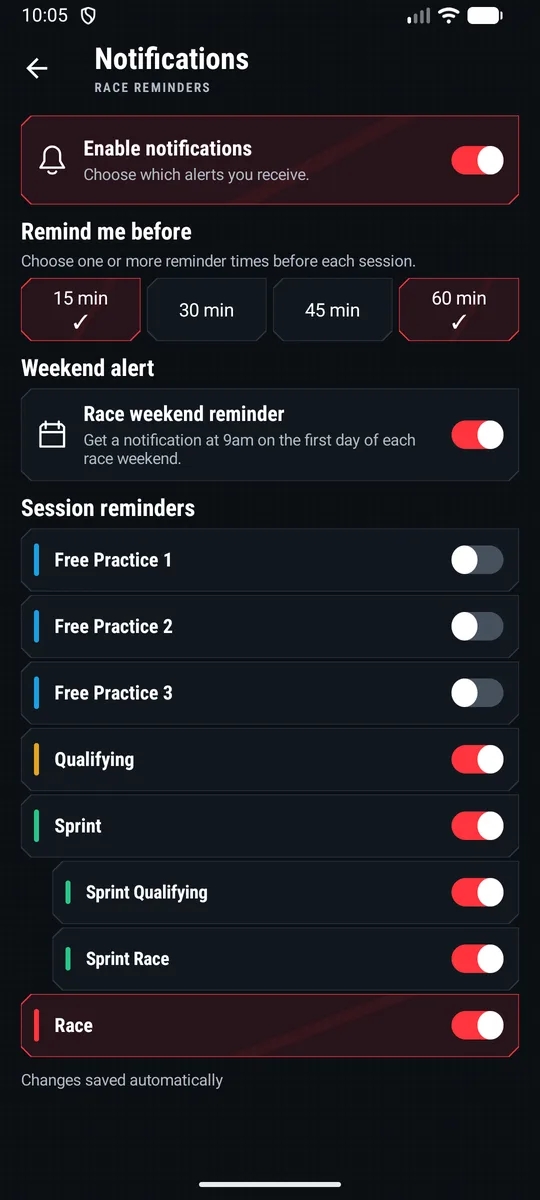
- Pick your sessions. Turn reminders on for any practice, qualifying or the race.
- Sprint, split in two. Sprint Qualifying and the Sprint race have their own switches.
- Pick your timing. Get a reminder 15, 30, 45 or 60 minutes before, or several of these.
- Weekend alert. An optional note at 9am on the first day of each race weekend.
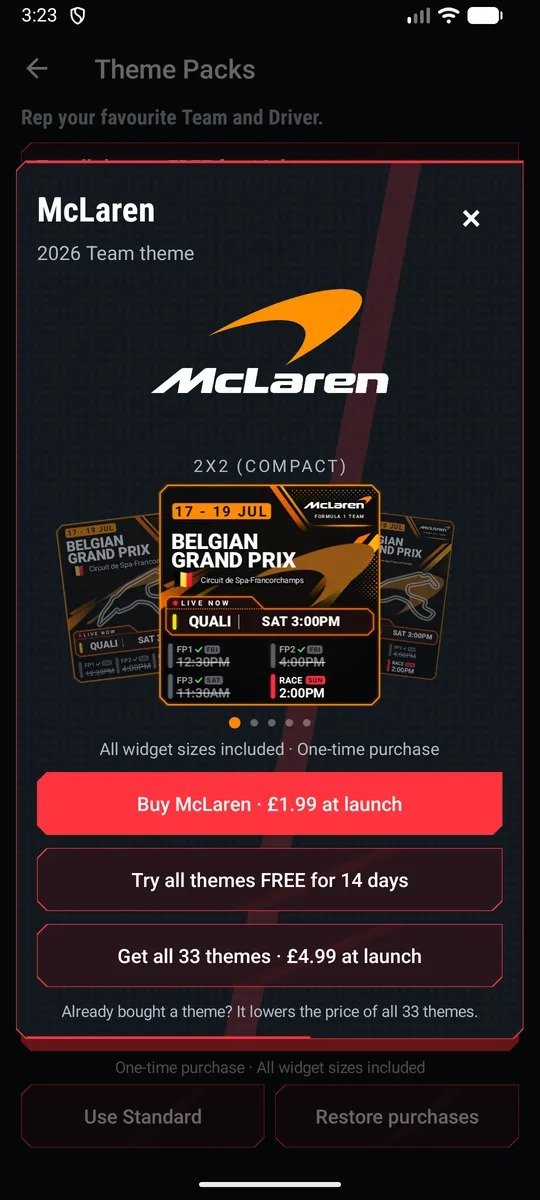
Theme Packs for all 11 teams and 22 drivers
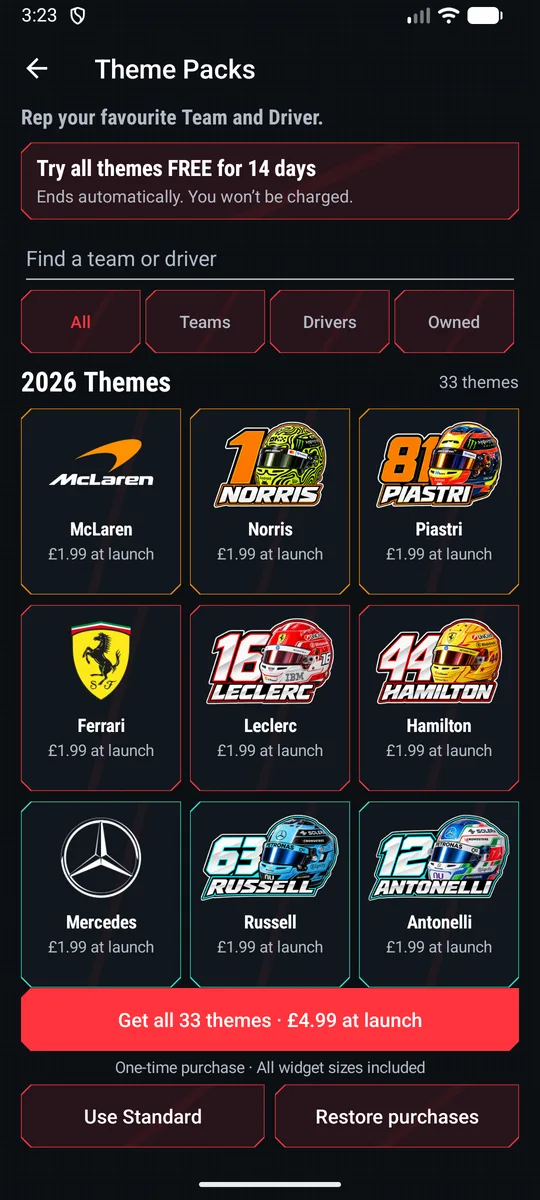
Give your widget your team's colours or your driver's number. Every theme works on all five widget sizes. The Standard look stays free.
Try every theme
Free
14 days, once per Google account. Sign in with Google to start. It ends by itself and you are never charged.
One team or driver
£1.99
A one-time purchase through Google Play. Yours to keep, on every widget size.
All 33 themes
£4.99
The full 2026 collection. If you already bought single themes, up to 2 of them come off the price.
UK prices. Google Play shows the price in your currency before you pay. Themes cover the 2026 season.
2026 calendar
All 24 rounds, with dates in your time zone. The widget follows this calendar.
What the app does with your data
The short version. The privacy policy has the detail.
No ads or tracking
There are no adverts and no analytics. The schedule is built into the app, so the widget doesn't need an account or the internet.
Settings stay on your phone
Your reminder choices and theme are stored on your device.
The free trial uses Google sign-in
To stop repeat trials, we keep an account ID and the date your trial started. Your email is held by Google's Firebase sign-in service. You can ask us to delete it.
Google Play handles payments
We never see your card details. The app asks Google Play which themes you own.
Questions
How do I add the widget?
Touch and hold an empty part of your home screen, tap Widgets, then search for F1. The sizes are listed smallest first: 2x2 (Compact), 2x2 (Tall), 3x2 (Medium), 4x2 (Wide) and 4x3 (Large). Drag the one you want onto your home screen.
My reminders arrive late or not at all.
Some phones pause apps in the background to save battery. Open your phone's Settings, go to Apps, then F1 Race Widgets, then Battery, and choose Unrestricted.
I bought a theme on another phone. How do I get it back?
Sign in to Google Play with the same account, open Theme Packs and tap Restore purchases.
What happens when my trial ends?
Your widget goes back to the free Standard look, in red and black. Themes you bought stay active. Schedules and reminders are always free.
A session time looks wrong.
Email us with the race and session. Formula 1 sometimes moves sessions, and we update the app when it does.